










Skip to content

7,870 SVG files for Cricut.Edit, cut and sell them in CricutCraft.

Free design software for Cricut

Start designing — free

A full Design Space alternative that runs in the browser — 7,870 ready-to-cut designs, weld and offset, mat nesting, product mockups with real print zones, and machine-ready SVG, PDF and DXF export. Nothing to download.

Free forever tier No credit card to start Cancel any time

Exports cut-ready files for

Cricut · Silhouette · Brother ScanNCut · Glowforge · Siser

ready-to-cut designs
7,870ready-to-cut designs
product blanks
12product blanks
machine operations
10machine operations
to start, no install
$0to start, no install

Design library

7,870 designs.
All of them cuttable.

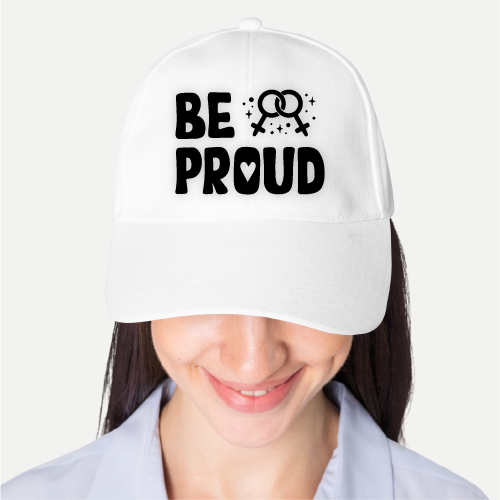
7,870 production-ready files across 197 themed collections — cut files, monograms, shapes, sublimation art, watercolour clip art and sticker sets. Every one opens straight into the studio, fully editable.

Browse the library

Go Maker

Unlock all 7,870 designs

591 are free on every plan, forever. Maker adds the rest, the commercial licence and every export format.

See plans

Cut Files1,400 designs · 34 collections

See all

Monograms1,125 designs · 30 collections

See all

Shapes1,375 designs · 35 collections

See all

Sublimations1,250 designs · 30 collections

See all

Watercolour1,350 designs · 34 collections

See all

Stickers1,250 designs · 30 collections

See all

Mockup studio

See it on the product
before you make it.

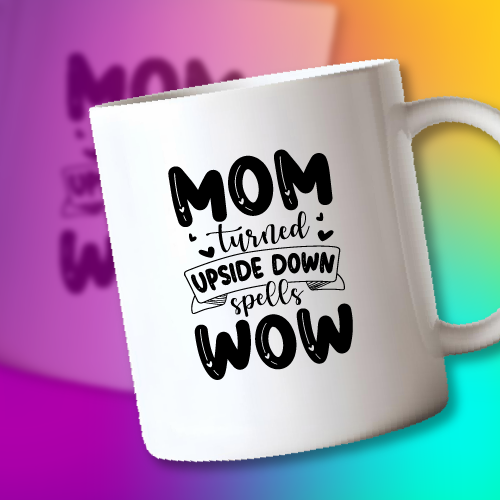
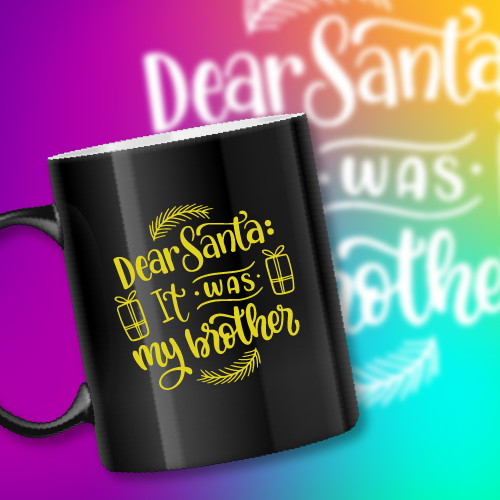
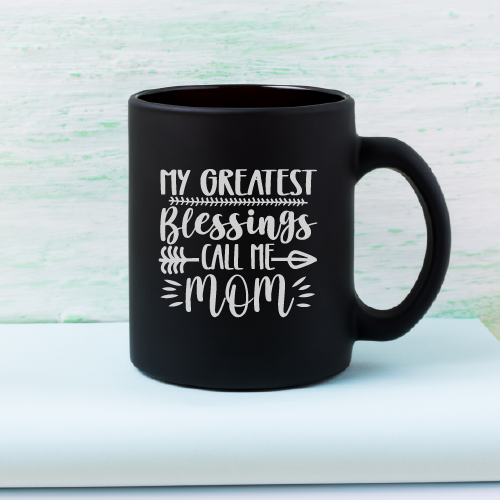
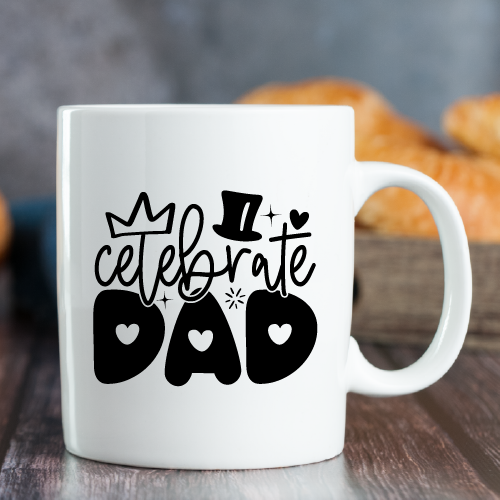
12 product blanks drawn as vectors, each carrying its true printable area. Recolour the blank, drop your design in, and see the DPI verdict before you print anything.

Live DPI check

Raster art is measured against its printed size and flagged before it reaches a press.

Cylindrical wrap

Mugs, tumblers and bottles preview with the curve applied, not as a flat rectangle.

Margin per SKU

Blank cost, retail price and profit calculated live for every variant you configure.

Why makers switch

Built from the six complaints
makers actually have.

Every craft platform is good at one half of this job. Design tools cannot talk to a blade; machine software cannot mock up a product or personalise an order. CricutCraft was built to close that gap.

Design software that needs a desktop install

Runs in any browser

Open the same project on a laptop, a borrowed machine or an iPad. Nothing to install, nothing to update before you can work, no “this version is no longer supported”.

Personalising 200 names by hand

Bulk personalisation from CSV

Mark any text layer as a field, upload a spreadsheet, and get one finished, correctly-fitted design per row. Teacher gifts and wedding favours stop being an evening of copy-paste.

Guessing how art sits on the blank

Mockups with real print zones

Every blank carries its true printable area in inches. Artwork is validated against it live, with DPI checked before you commit, so nothing gets rejected at the press.

One wrong click destroys an hour of work

Named version history

Checkpoint a design before you experiment and roll back to any point. Undo depth is not your only safety net.

Wasting half a sheet of vinyl per cut

Nesting that actually packs

A shelf-packing optimiser with rotation replaces naive row layout, then reports utilisation so you can see the material you saved.

Hunting forums for cut settings

Material database built in

Pressure, passes, blade, mat and heat-press settings for 18 common materials, verified by the community and one click from the canvas.

The studio

A real design tool,
not a template filler.

A vector-native editor where the document model is the cut file. What you see on canvas is exactly what the machine receives — no export surprises, no flattening, no lost layers.

SVG nativeInches & metricSnapping & smart guidesUndo depth 60Mirror for HTV
Open the studio
Teacher Gift Set
Unisex T-Shirt12″ × 16″ zone

Ten machine operations

Cut, print-then-cut, draw, score, engrave, deboss, foil, perforate and wavy cut — each colour-coded on canvas and exported as its own named layer.

40+ parametric shapes

Banners, tags, badges, scallops and score lines generated as clean geometry, not traced bitmaps, so every edge stays cuttable.

Text that curves and welds

Arch, wave and circle warps, live letter spacing, then weld a script font into one continuous outline the blade can follow.

Weld, attach, contour, offset

The combine operations makers actually use, with attach preserving relative placement all the way through to the mat.

Recolour any SVG

Inlined markup means every colour in an imported design is editable — no flattening, no re-uploading.

Keyboard-first

Full shortcut map for select, nudge, group, duplicate, align and zoom. Built for people who make a hundred of these a week.

Bulk personalisation

One design.
Five thousand names.

Mark a text layer as a field, upload a CSV, and CricutCraft generates one finished design per row — auto-fitted so a 14-letter name never breaks a layout built for a 4-letter one.

  • Auto-shrink, scale-to-fit or multiline per field
  • Preview any row before you commit the run
  • Export as a single nested sheet or one file per row
  • Order numbers, dates and monograms, not just names
See how it works
teacher-gifts-2026.csv248 rows
namesubjectyear
Ms. RodriguezBiology2026
Mr. OkonkwoHistory2026
Dr. Vasquez-LinChemistry2026
generates

Cut prep & production

From canvas to cut,
without the guesswork.

The half of the job that happens after the design is finished — and the half every design tool ignores.

Mat nesting

Shelf-packing with rotation, split per colour and operation, with live utilisation and overflow warnings.

Material settings

Pressure, passes, blade and heat for 18 materials — including which ones need mirroring.

Machine export

SVG, PNG, PDF, DXF and EPS. Operations become named layers so tool mapping is automatic.

Cost & margin

Sheets consumed, material cost, waste percentage and profit per unit, computed from the real layout.

How CricutCraft compares

An honest read of where each tool stops. We are not trying to replace your machine's own send-to-cut step — nobody can, that part is closed.

Feature comparison between CricutCraft, machine design software and general design tools
CapabilityCricutCraftMachine softwareGeneral design tools
Works in the browser, no install
Cut operations & machine export
DXF / EPS export
Product mockups with print zonesPartial
Bulk personalisation from CSV
Mat nesting optimiserBasic
Named version historyPartial
Material cut-settings databasePartial
Margin & cost calculator
Commercial licence includedExtraPartial

Makers who stopped switching tabs

The CSV run paid for the year in one order. 180 personalised tumblers went out in an afternoon instead of a weekend.
Renata O.Etsy seller, 4.2k sales
I stopped keeping a laptop on the craft table just to run one program. It opens on the iPad next to the press now.
Dee WhitfieldHeat-press studio owner
Nesting cut my vinyl spend by roughly a third. That number is right there on the screen after every compile.
Marcus B.Sign & decal shop

About CricutCraft

We rebuilt it for
the browser, and for selling.

CricutCraft started as an iPad app for cut files. Watching people use it made one thing obvious: the design was never the bottleneck. Getting from a finished design to a sellable, personalised, correctly-cut product was.

So we rewrote the whole thing as a vector-native web studio, kept the library of 7,870 designs, and added the parts that were missing: mockups that know their print zones, personalisation that scales past what you can do by hand, nesting that respects the cost of material, and export that any machine will accept.

Read the full story
Founded
2026from an iPad app
Designs
7,870197 collections
Platform
Webnothing to install
Export
5 formatsSVG · PNG · PDF · DXF · EPS

One plan. Every feature.

Start free and stay free for personal projects. One paid plan unlocks everything — billing runs on Paddle and you can cancel yourself in two clicks.

Starter

Learn the tools and cut your first projects.

$0 forever

Start free
  • 5 saved projects
  • Free designs in every collection
  • Full design studio & mockups
  • SVG + PNG export
  • Material settings database
All features

Maker

Everything unlocked, for people who cut and sell.

$9.99/mo

or $2.99/wk · $45.99/yr

Get Maker
  • Unlimited projects
  • Every design in the library, Pro included
  • Full commercial licence
  • No watermarks anywhere
  • SVG, PNG, PDF, DXF & EPS export
Highest limits

Studio

For teams running volume — everything in Maker, at scale.

$200/yr

or $300/2 yr · $500 once

Get Studio
  • Everything in Maker
  • 5 team seats
  • 10,000 personalisation rows per run
  • Priority support queue

Need the full comparison? See every plan side by side

FAQ

Questions makers ask before switching

Still unsure? hello@cricutcraft.com

Yes. The studio, the shape and text tools, mat layout, mockups and PNG/SVG export all work free and signed-out — there is no trial timer and no watermark. A paid plan unlocks the full 7,870-design library, the commercial licence, bulk personalisation runs and DXF export.

No. CricutCraft Studio runs entirely in the browser on Windows, macOS, ChromeOS, Linux, iPad and Android tablets. There is no desktop download, no plugin and no forced update before you can reopen yesterday's project.

For designing, preparing and exporting cut files — yes, including weld, contour, offset, slice, attach, mat nesting and mirroring for iron-on. It does not send cut instructions to the machine: Design Space is the only software that can drive a Cricut, and no third-party tool bypasses that. The normal workflow is to design here, export an SVG, and upload that SVG to Design Space to cut. Silhouette, Brother and Glowforge users can go straight from export to their own software the same way.

Anything that accepts SVG, PDF, DXF or PNG — Cricut Maker, Explore, Joy and Venture, Silhouette Cameo and Portrait, Brother ScanNCut, Glowforge, xTool and most laser cutters. Cut operations export as named layers so tool mapping is automatic on the other side.

Yes on the Maker plan, which includes a full commercial licence covering physical products you make and sell. The free Starter plan is for personal projects. The licence is per account and never expires for designs you used while subscribed. Redistributing the design files themselves is not permitted on any plan.

Upload a CSV of names, dates or numbers and one template becomes one finished design per row. A 200-name teacher-gift order becomes a single export instead of two hundred manual edits.

7,870 production-ready designs across 197 themed collections — cut files, monograms, shapes, sublimation art, watercolour clip art and sticker sets. New collections land every month.

Yes. The studio is built touch-first: tools sit in a bottom bar, panels open as sheets you can swipe away, and the canvas supports pinch-to-zoom, two-finger pan and drag-to-move. An iPad or Android tablet gets the full desktop feature set.

Yes. Billing runs on Paddle and you can cancel, upgrade or downgrade yourself from the billing portal. Cancelling stops the next renewal and you keep access until the end of the period you already paid for.

Nothing is deleted. Projects stay in your account and stay openable. You keep editing the five most recent and the rest become read-only until you upgrade again or archive some.

Your next design is one browser tab away.

Free forever for personal projects. 591 designs unlocked on day one, no card required.